Flux 3 — Free AI Image Generator: Turn Any Prompt Into Real Images, Instantly.
Flux 3 is free to use online — no sign-up, no credits, no waitlist. Describe it, generate it, download it.
- 100% free — no credits
- No sign-up, no account
- Images in seconds
Free and anonymous. Verified by Turnstile — no account needed.
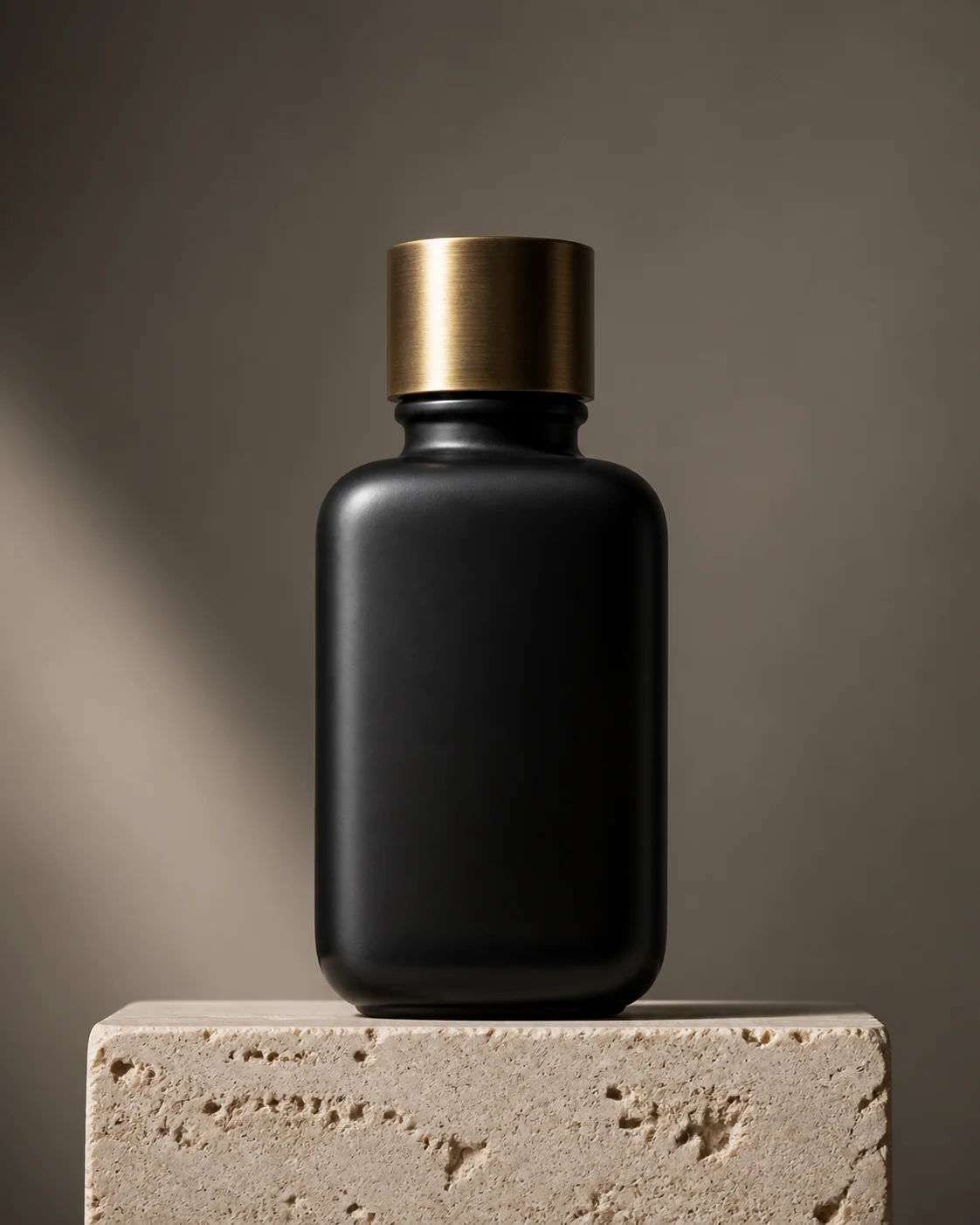
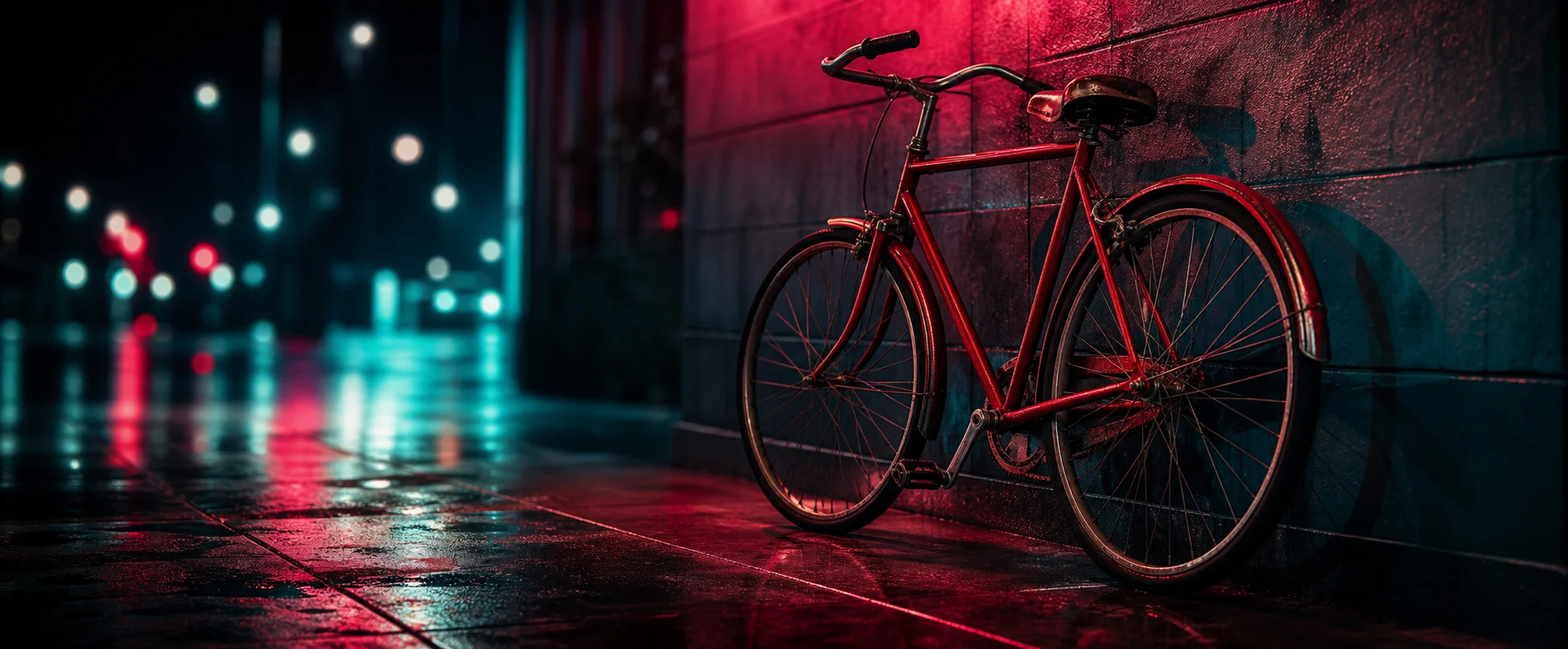
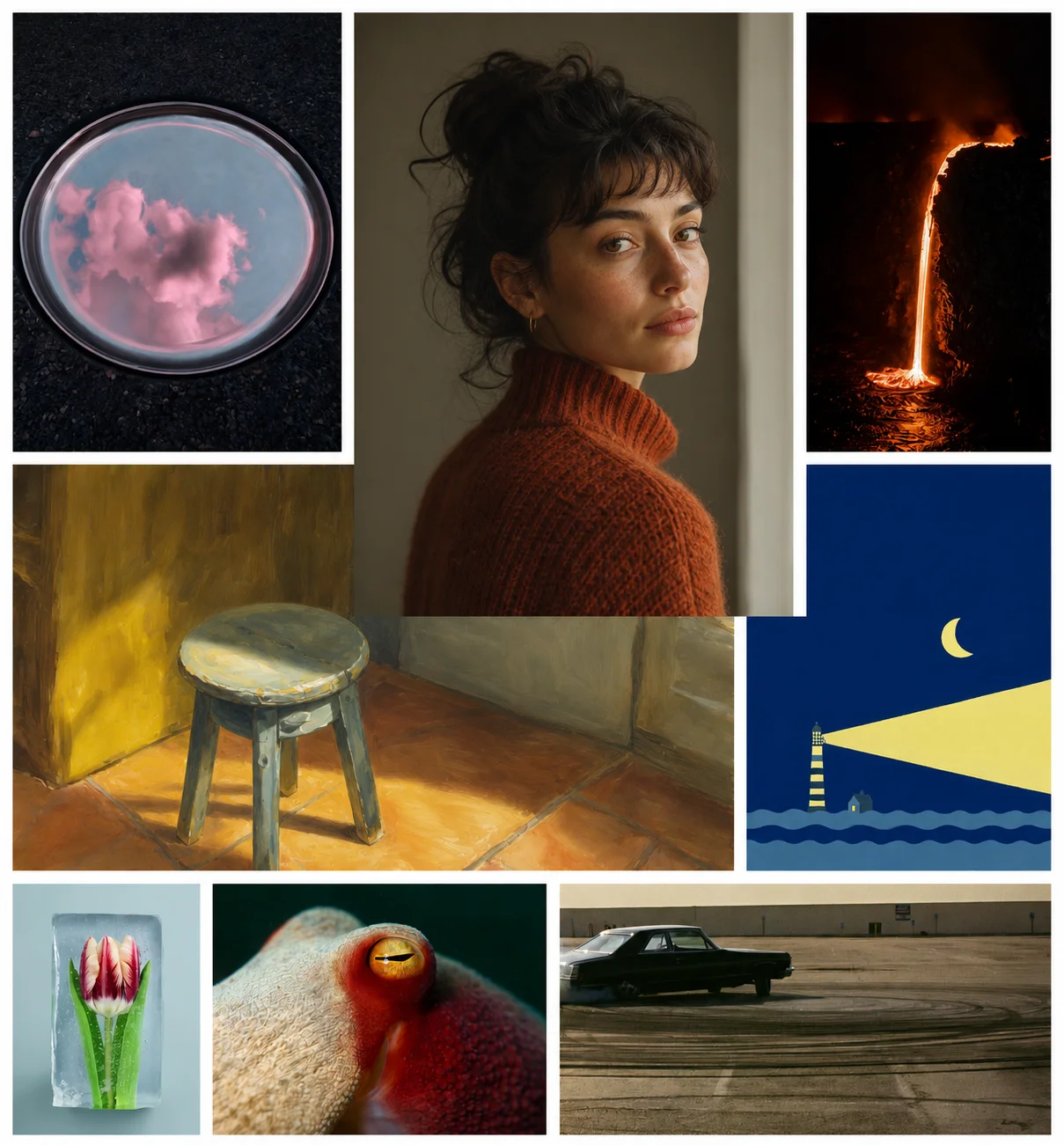
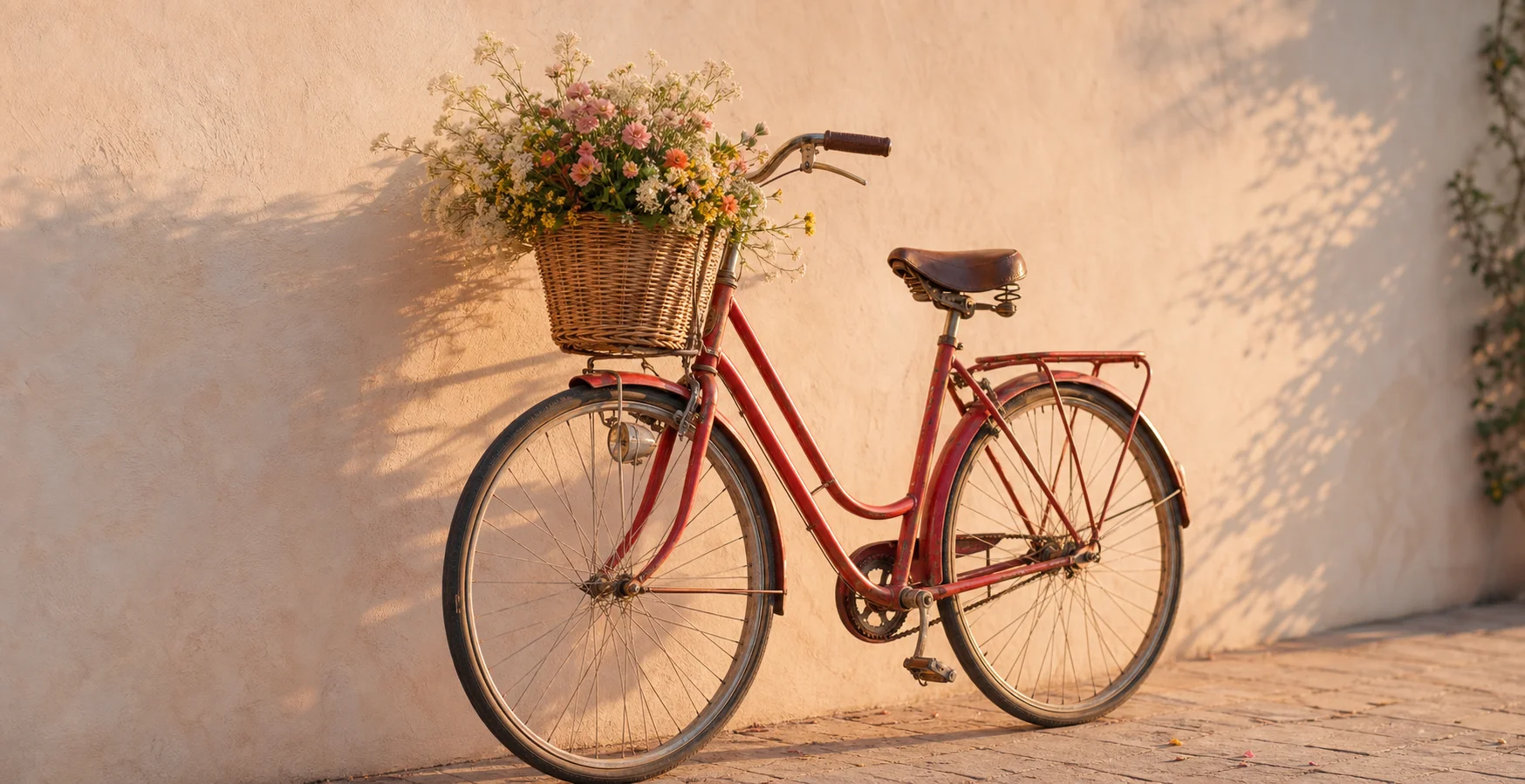
Capabilities
Capabilities & What Flux 3 Can Do
The power of Flux 3 lies in its versatility. Below we break down exactly what you can do with this model today.
Exceptional prompt adherence
even on long, highly complex instructions detailing multiple subjects.
Accurate text rendering
in multiple languages, finally solving the spelling problem in AI art.
Wide style range
spanning photorealism and macro photography through to anime and 3D rendering.
Multiple aspect ratios
and resolutions to fit any social media or professional format.
Fast single-pass generation
that produces final images in seconds, not minutes.
Free and anonymous
access directly in your browser with zero friction.
What Is Flux 3 AI?
Flux 3 AI is a state-of-the-art multimodal generative model designed to build visual intelligence from text prompts, producing hyper-realistic images and digital art instantly. It represents a significant leap forward in AI image generation, offering precise control over composition, style and typography.
Because Flux 3 learns from a vast representation of visual data, it understands the physical relationships between objects. This results in fewer anatomical errors, correct spelling when text is requested in the prompt, and an intuitive grasp of complex lighting.
How it works
How to Use Flux 3 Free
- 01
Open the Flux 3 generator:
scroll up to the generator at the top of this page. There is no sign-up required.
- 02
Describe your image:
type exactly what you want to see in the prompt box. Be as descriptive as possible.
- 03
Pick a ratio and style:
select square, wide, standard or portrait, and click a style chip if you want a specific aesthetic.
- 04
Generate free and download:
hit the generate button and save your high-resolution image in seconds.
Prompting tips for Flux 3
- Structure your prompt logically:start with the main subject, follow with lighting conditions, and end with the camera lens or stylistic medium. This helps the engine parse the scene hierarchy correctly.
- Name your medium:explicitly specify a 35mm photograph, a 3D render, an oil painting or a charcoal sketch. Flux 3 can mimic almost any artistic medium when you name it.
- Avoid contradictory instructions:do not ask for a bright sunny day at midnight. The system will try to reconcile both, often producing artifacts or unexpected lighting shifts.
- Iterate with small edits:if the first shot is close but not perfect, edit specific details rather than rewriting the whole prompt. This preserves the overall composition.
- Specify camera angles:words like low angle, drone shot or macro close-up drastically change the perspective and add cinematic quality to the final piece.
Use cases
What You Can Do Right Now
Four things the free Flux 3 generator handles from the same prompt box, with no account and no credits in the way.
Generate text-to-image from any prompt, completely free.
Whether you need a hyper-realistic landscape or a stylized character concept, the engine delivers exceptional quality instantly without paywalls.
Edit or restyle any creation with intuitive controls.
Do not settle for the first draft. Tweak lighting, change background elements or shift the artistic medium without losing the core composition.
Browse and remix prompts and styles from the public gallery.
Explore a curated feed of creations, view the exact text that generated them, and adapt those instructions for your own projects.
Download full-resolution results instantly, with no watermark or account.
Every piece you render is immediately available in high fidelity, ready to drop straight into your workflow or share on social media.
Showcase
Flux 3 Gallery and Prompts
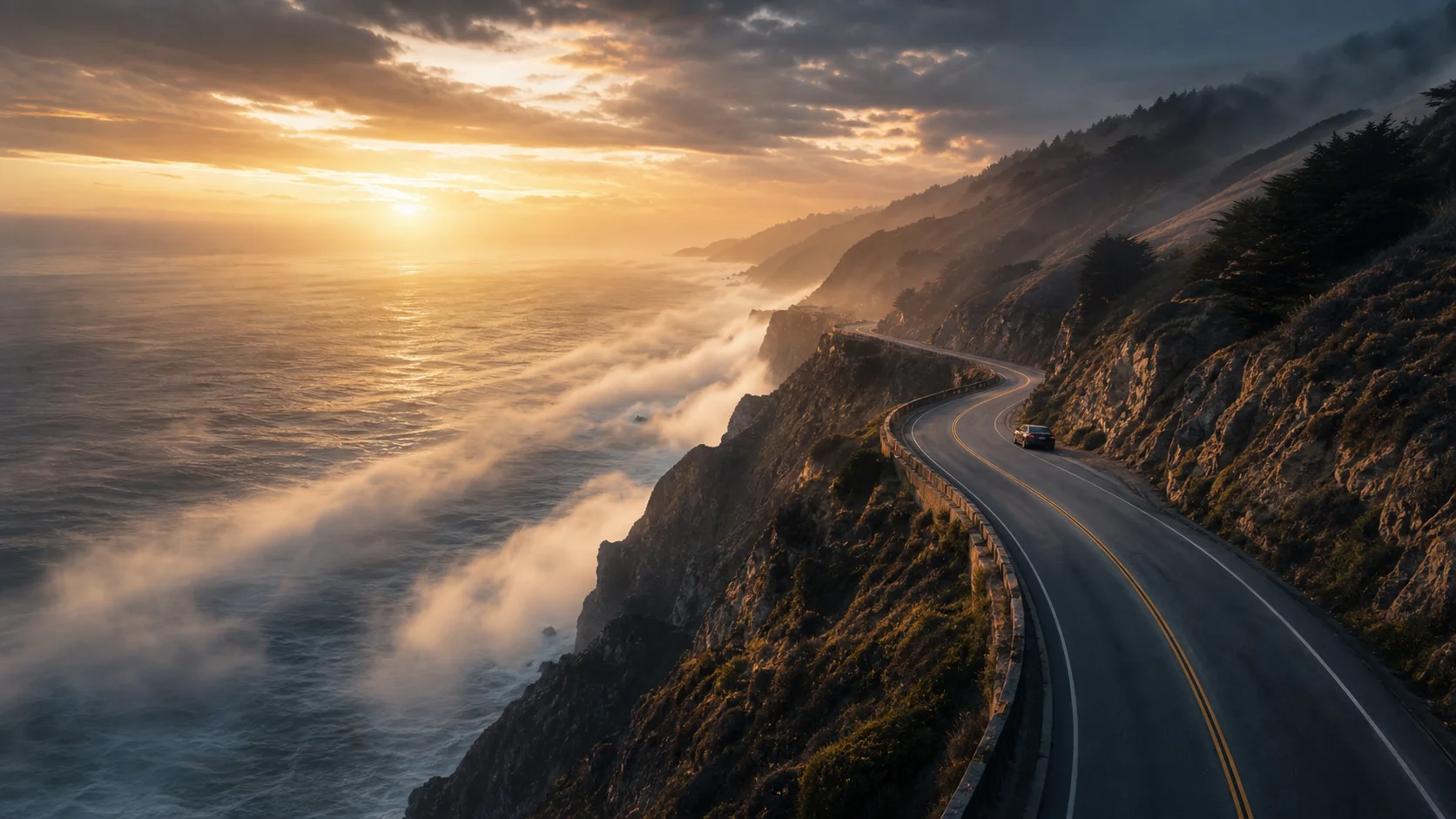
Real Flux 3 renders, each with the prompt that made it, and a remix button that loads it into the generator.
Comparison
Flux 3 vs Other AI Image Models
How Flux 3 compares with other AI image models on text rendering, prompt adherence and cost.
| Model | Text rendering | Prompt adherence | Cost |
|---|---|---|---|
| Flux 3 | Flawless | Exceptional | Free |
| Flux.2 | Good | Very good | Free |
| Midjourney | Average | Average | Paid |
| Stable Diffusion | Poor | Good | Free / paid |
| DALL·E | Good | Very good | Paid |
What people say
Made with Flux 3
I use it for thumbnail concepts while I am still deciding on a direction. Being able to try six ideas without logging in or spending credits means I actually try six ideas.
Text rendering is what keeps me here. I can put a short headline inside the image and it usually comes out spelled correctly on the first pass, which used to be the part I fixed by hand.
I needed placeholder art for a side project and did not want another account or a card on file. I described each screen, downloaded the results at full resolution, and was done in an afternoon.
FAQ
Flux 3 FAQ
Short answers to the questions people ask before their first Flux 3 render.
Flux 3 AI is a cutting-edge multimodal foundation model. In this context it powers a free Flux 3 image generator, letting anyone turn text prompts into stunning visual art.
Yes. Flux 3 here is completely free, anonymous and Turnstile-gated. You do not need a subscription and there are no daily credits to run out of. Every generation runs at full fidelity with no hidden fees or throttled speeds.
No — no sign-up, no email and no credits are required. Just open the Flux 3 tool and generate. Removing account friction means you go from idea to finished piece in seconds.
Be descriptive. State the main subject, setting, lighting and style. Instead of a cat, try: a cinematic close-up of a fluffy orange cat sitting on a neon-lit cyberpunk street, 4K resolution. Flux 3 responds well to specific lens types, time of day and mood descriptors.
You can pick from several ratios directly in the generator: 1:1 square, 16:9 wide, 3:2 standard and 2:3 portrait. Files render natively at high resolution, such as 1024x1024 for square formats, so details stay crisp.
Yes, the artwork you create can be used for both personal and commercial projects, including marketing campaigns, published work and portfolios. Downloads carry no restrictive watermark.
Yes. You can edit or restyle your creations through the integrated image-to-image pipeline: apply localized edits or change the artistic style entirely without losing the original composition.
This tool focuses on static visual creation. The animation feature available here is a short motion preview built from your still image rather than a standalone video generator.
The frontier of visual intelligence is open to everyone.
What Is Next for Flux 3?
The free Flux 3 tool keeps expanding. Expect deeper editing controls, more specialized styles and faster upscaling in the coming months — all without compromising the frictionless, account-free experience.